> ## Documentation Index
> Fetch the complete documentation index at: https://stackone-hub-docs-confluence-api-token-update.mintlify.site/llms.txt
> Use this file to discover all available pages before exploring further.
# Infosec IQ
> How to obtain the credentials required to connect to Infosec IQ.
You must have administrator access in your Infosec IQ account to complete these steps.
## Collect your Credentials
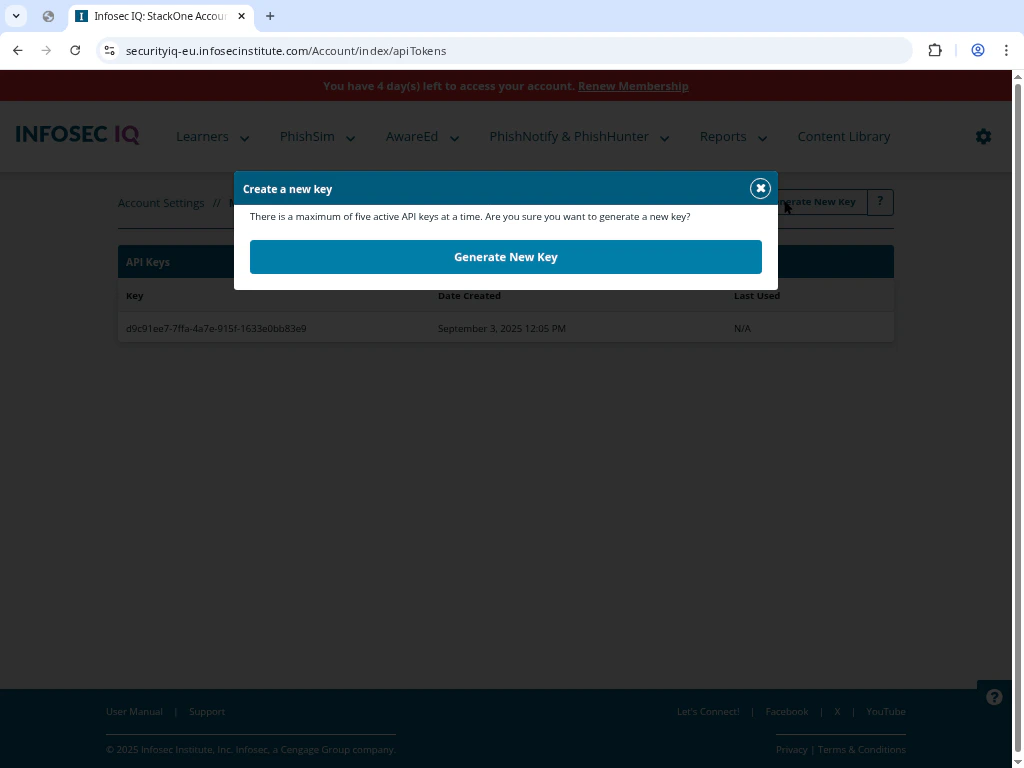
In your Infosec IQ admin console, navigate to **Account Settings → API Keys**.\
Click **Create API Key**, provide a descriptive name, then click **Save** to get your API Key.
 Determine the correct server region for your account and select the corresponding URL:
* North American Server: `https://securityiq.infosecinstitute.com`
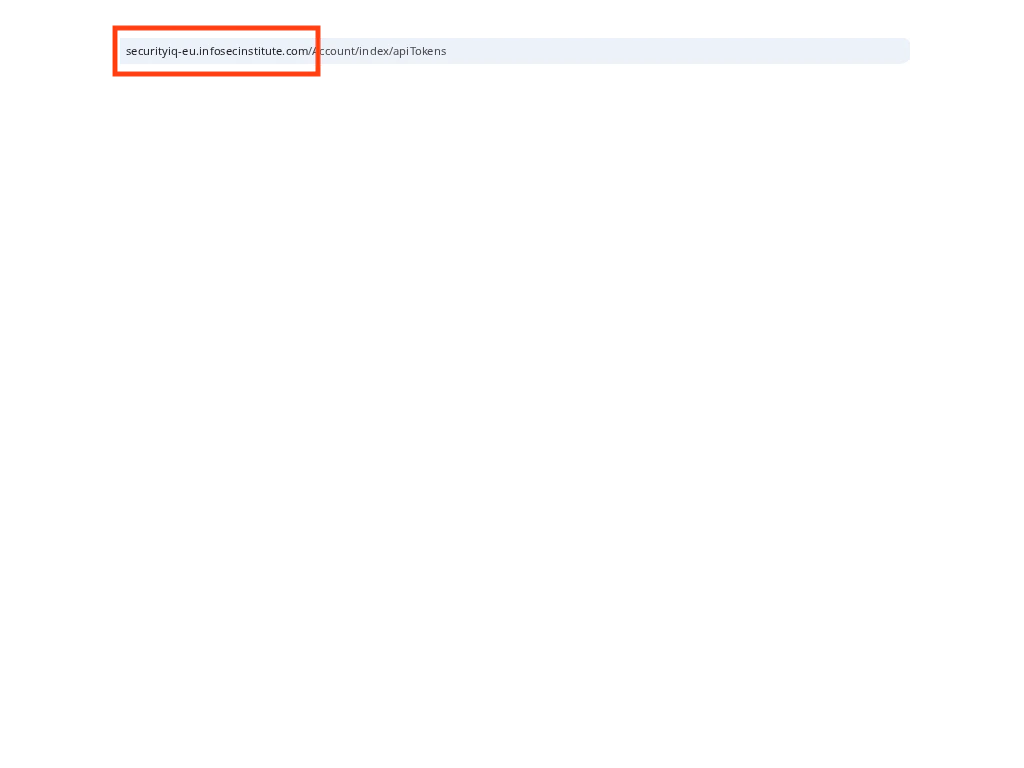
* EU Server: `https://securityiq-eu.infosecinstitute.com`
Determine the correct server region for your account and select the corresponding URL:
* North American Server: `https://securityiq.infosecinstitute.com`
* EU Server: `https://securityiq-eu.infosecinstitute.com`
 Copy the following details exactly as shown to use when setting up the connection:
* **API Key** (e.g., `c1c11me7-7ffa-4a7e-915f-1633e0bb83e5`)
* **Server URL** (choose one of the two options above)
## Linking Your Infosec IQ Account
Enter the **API Key** and **Server URL** collected above into the connection setup form.
Click the **Connect** button. The system will validate the key and server URL by performing a simple API call to the selected server region.
Copy the following details exactly as shown to use when setting up the connection:
* **API Key** (e.g., `c1c11me7-7ffa-4a7e-915f-1633e0bb83e5`)
* **Server URL** (choose one of the two options above)
## Linking Your Infosec IQ Account
Enter the **API Key** and **Server URL** collected above into the connection setup form.
Click the **Connect** button. The system will validate the key and server URL by performing a simple API call to the selected server region.
Congratulations, you're all set! If you face any issues with the steps mentioned above,
please contact us by emailing [integrations@stackone.com](mailto:integrations@stackone.com). We're always here to assist you!