> ## Documentation Index
> Fetch the complete documentation index at: https://stackone-hub-docs-confluence-api-token-update.mintlify.site/llms.txt
> Use this file to discover all available pages before exploring further.
# Cornerstone Library
> Follow these steps to connect Cornerstone Library via the StackOne Hub successfully.
This guide is for Cornerstone Library. In this case the account represents the connection with Cornerstone since this single account will push content to be distributed by Cornerstone to multiple tenants.
## Linking your Account
In the modal, click the Connect button
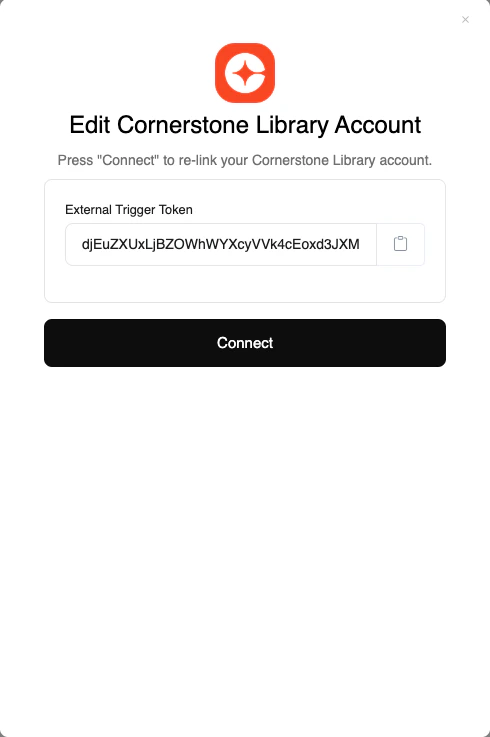
Congratulations, you're all set! If you face any issues with the steps mentioned above,
please contact us by emailing [integrations@stackone.com](mailto:integrations@stackone.com). We're always here to assist you!