> ## Documentation Index
> Fetch the complete documentation index at: https://stackone-hub-docs-confluence-api-token-update.mintlify.site/llms.txt
> Use this file to discover all available pages before exploring further.
# CascadeHR
> Follow these steps to connect CascadeHR with StackOne Hub successfully.
Ensure you have Admin privileges for your CascadeHR account.
If you've been directed to StackOne to integrate with CascadeHR, the following steps will help you understand the process and any necessary actions to configure a successful integration.
## Get your Client Key and Client Secret
> **Important:**
> IRIS Cascade does **not** offer a self-service option for creating API credentials.\
> To receive your **Client Key** and **Client Secret**, you must submit a request to IRIS support.
Refer to the official IRIS documentation for detailed instructions:\
[Requesting access to the HR API](https://help-iris.co.uk/hr/cascade/api/getstart/request-access-api.htm#Availabl)
## Connecting to StackOne
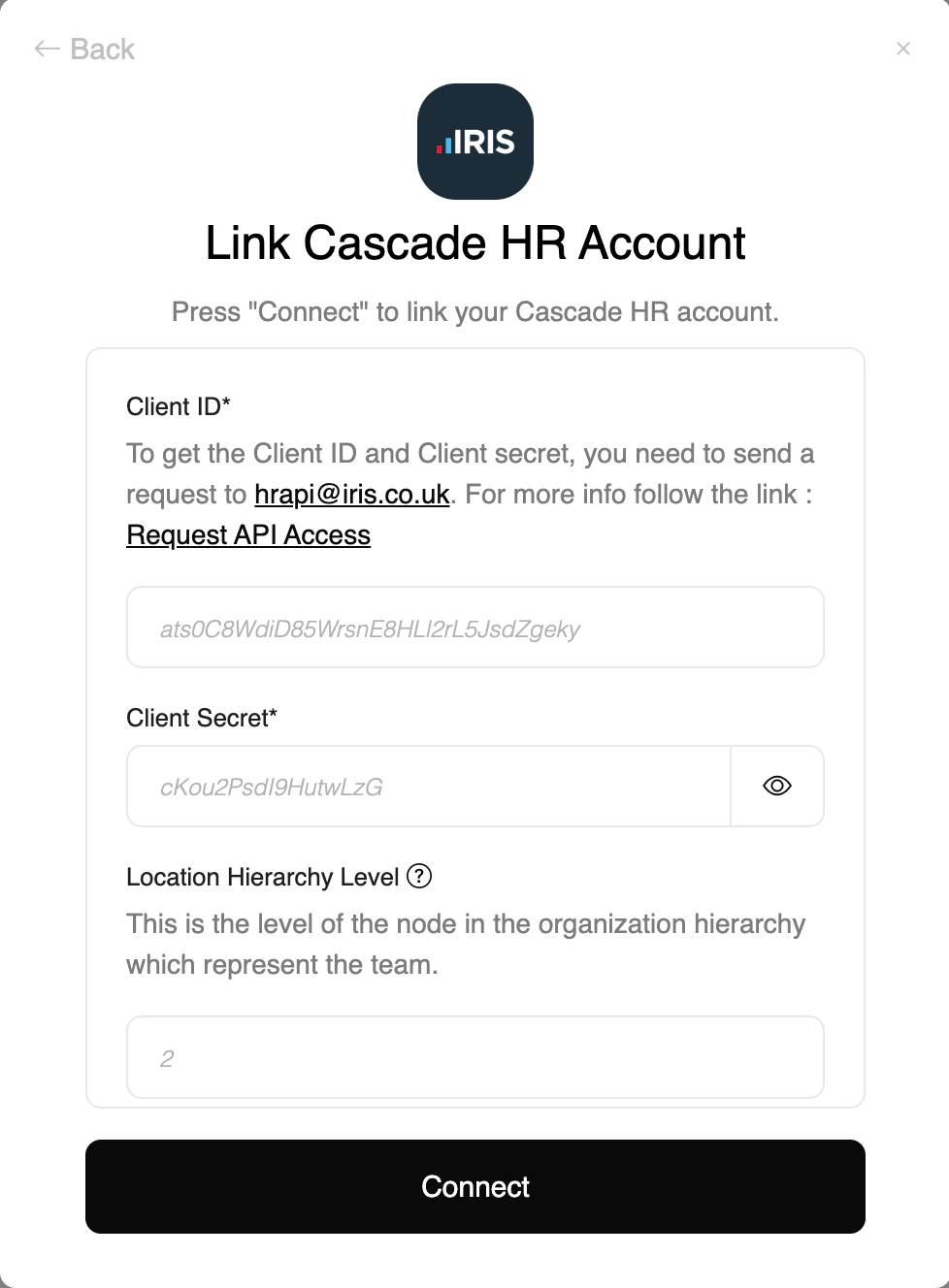
Upon reaching the Link Account page, enter the following credentials received from IRIS CascadeHR Support:
* Client ID (Key)
* Client Secret
* **Location Hierarchy Level** (optional): required to fetch locations
* **Department Hierarchy Level** (optional): required to fetch departments and create employees
* **Team Hierarchy Level** (optional): required to fetch teams and create employees
After entering the information above, proceed by clicking the **Connect** button.
Congratulations, you're all set! If you face any issues with the steps mentioned above,
please contact us by emailing [integrations@stackone.com](mailto:integrations@stackone.com). We're always here to assist you!
## Useful Links
Official guide to request CascadeHR API credentials
Live Swagger documentation for CascadeHR endpoints