> ## Documentation Index
> Fetch the complete documentation index at: https://stackone-hub-docs-confluence-api-token-update.mintlify.site/llms.txt
> Use this file to discover all available pages before exploring further.
# GoogleDrive
> Follow these steps to connect GoogleDrive via the StackOne Hub successfully.
Ensure that your GoogleDrive account has Admin or Owner privileges.
If you've been directed to StackOne to integrate with GoogleDrive, the following steps will help you understand the process and any necessary actions to configure a successful integration.
## Log in to GoogleDrive
Click the Connect button to start the login process. You will be redirected to Google Drive.
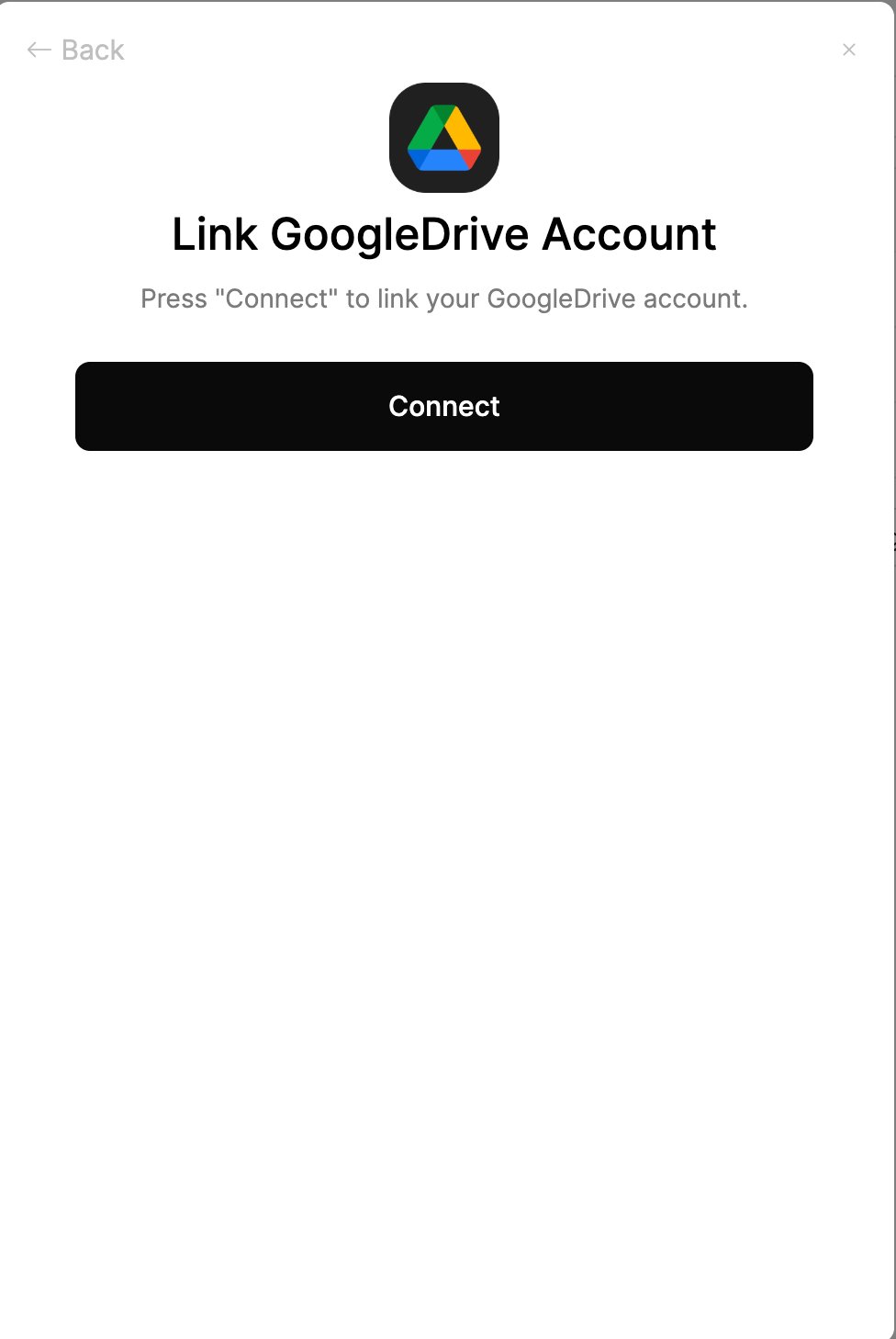 A window will appear and may prompt you to log in to your Google Drive account.
After logging in, you will be displayed the OAuth consent screen.
Click the **Allow** button to grant the application access to your Google Drive account.
A window will appear and may prompt you to log in to your Google Drive account.
After logging in, you will be displayed the OAuth consent screen.
Click the **Allow** button to grant the application access to your Google Drive account.
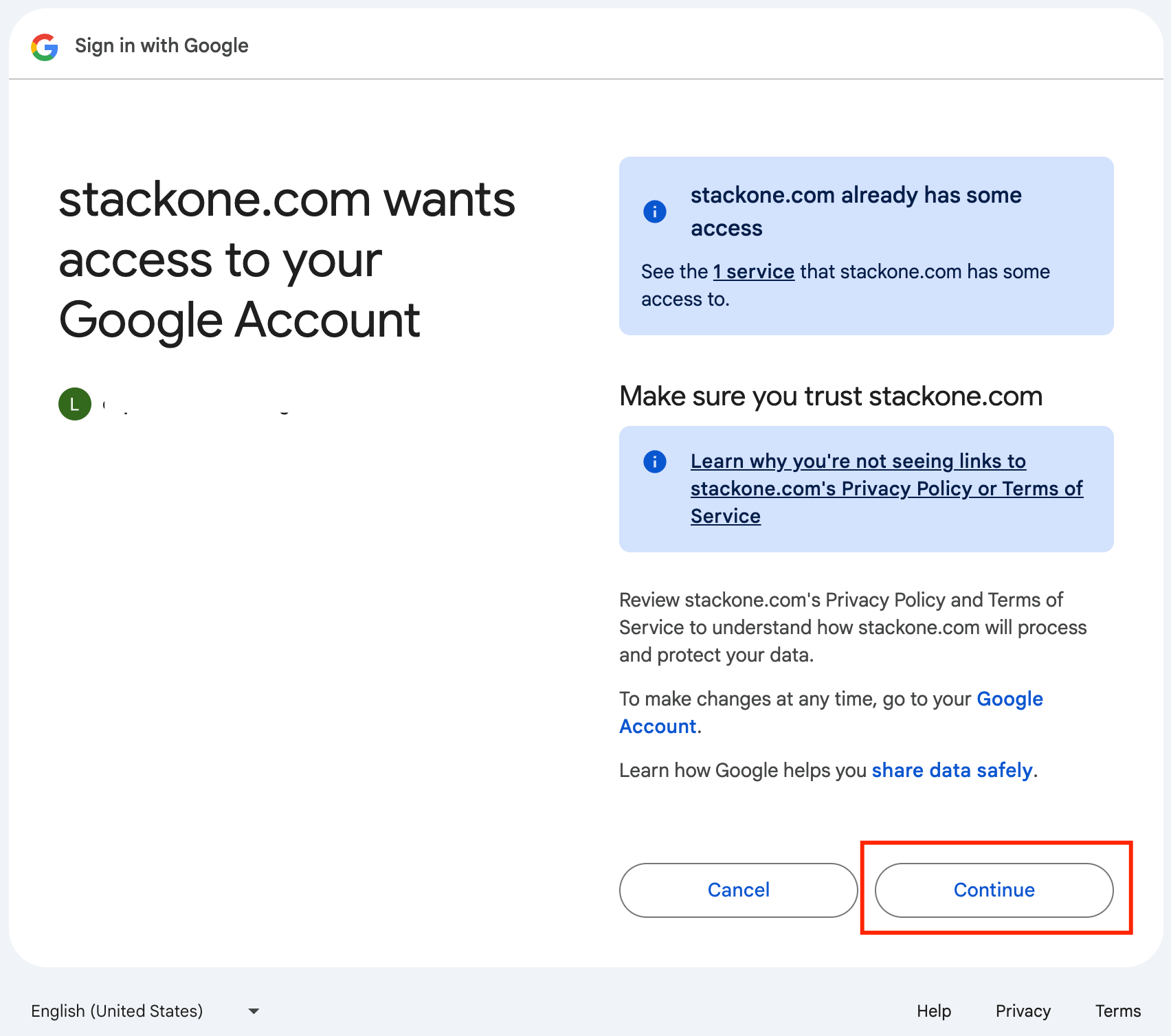
Congratulations, you're all set! If you face any issues with the steps mentioned above,
please contact us by emailing [integrations@stackone.com](mailto:integrations@stackone.com). We're always here to assist you!
## Available data
This integration has the following [DOCUMENTS Resources](https://docs.stackone.com/reference/getting-started-with-your-api) available from the provider: